Driving event types
Driving event types are categories used by the system to classify driving violations and generate Eco Driving reports.
Each driving quality rule is associated with a specific event type. When a rule is triggered, the system records an event of the selected type.
The following event types are available by default:
-
Acceleration — harsh acceleration
-
Braking — harsh braking
-
Turn — harsh cornering
-
Speed — speeding
-
Seat Belt — seat belt violation
Driving event types are stored in a dedicated event type directory. When creating or editing a driving quality rule, you select the required event type from the Type field.

If the predefined event types do not meet your requirements, you can create custom event types. Once created, they become available for use when configuring driving quality rules.
1. Open the Eco Driving tab
2. In the upper-right corner of the window, locate the Eco Driving tools
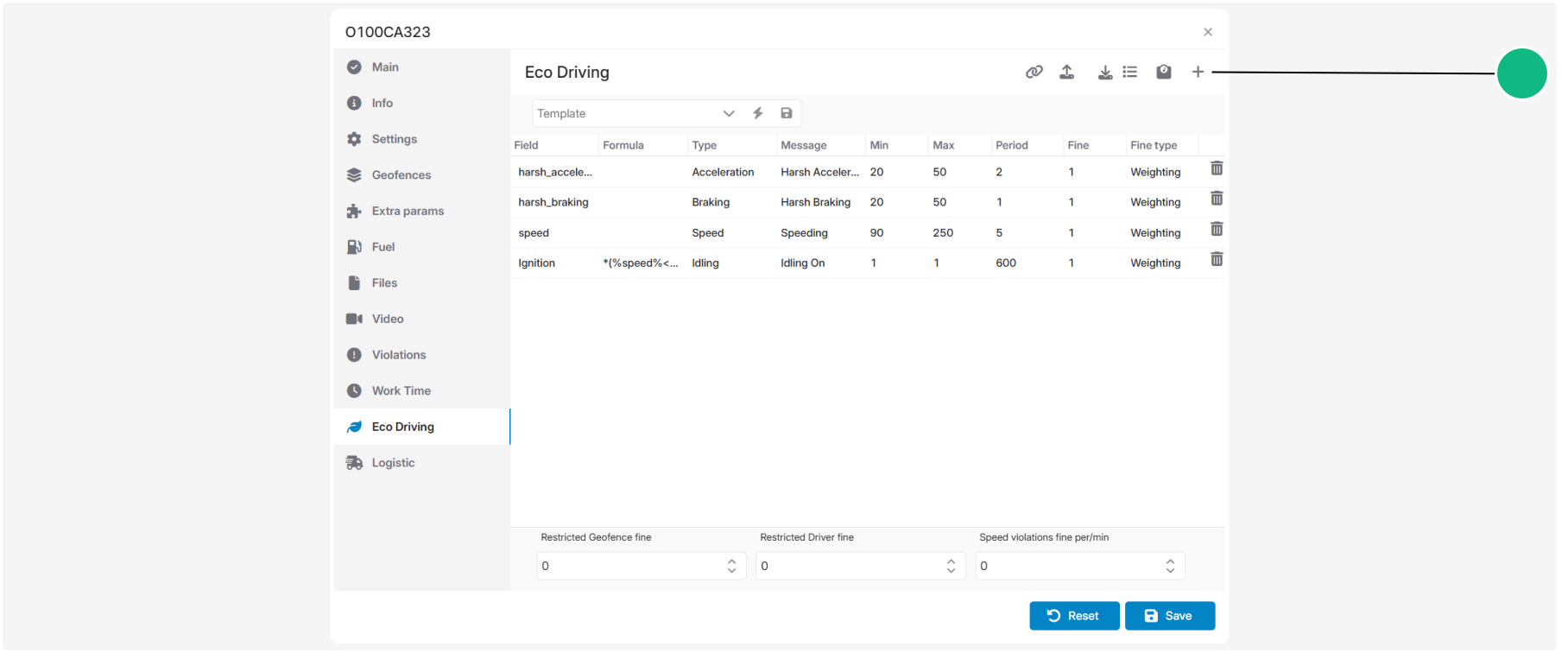
3. Click Driving event types

The driving event type directory opens.
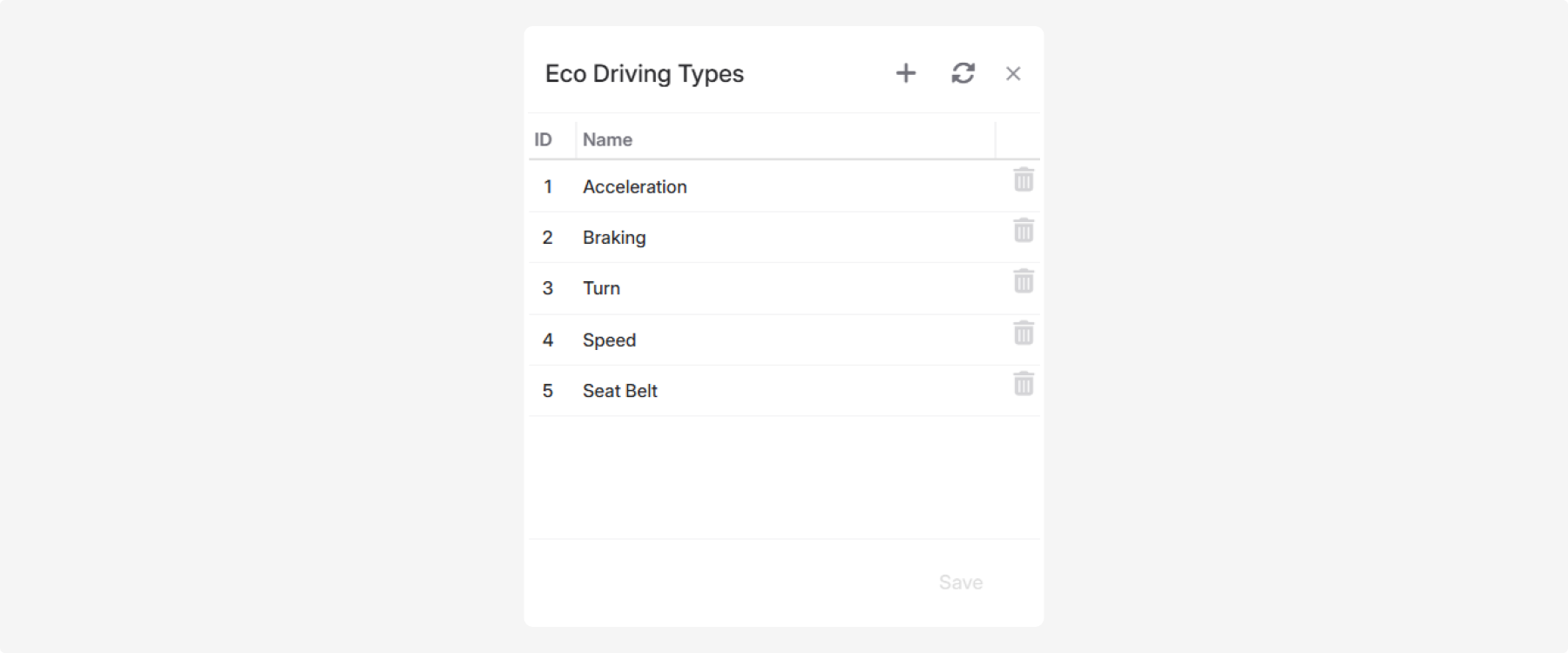
The event types listed in the directory are available in the Type field when creating or editing driving quality rules.
1. In the driving event type directory, click Add 
2. Enter the event type name

3. Click Save
After the event type is saved, the system automatically assigns it a unique identifier (ID). The ID is used internally by the system to identify the event type and does not require manual configuration.
The new event type is immediately available for selection in the Type field when creating or editing driving quality rules.

To rename an event type, double-click the corresponding row, make the required changes, and save them.
To delete an event type, click Delete  .
.
.Delete an event type only if it is no longer used by any driving quality rule. If the event type is currently assigned to one or more rules, replace it with another event type before deleting it.
|