How to create a ceofence
To create a geofence:
1. In the Main section, select the Geofences tab
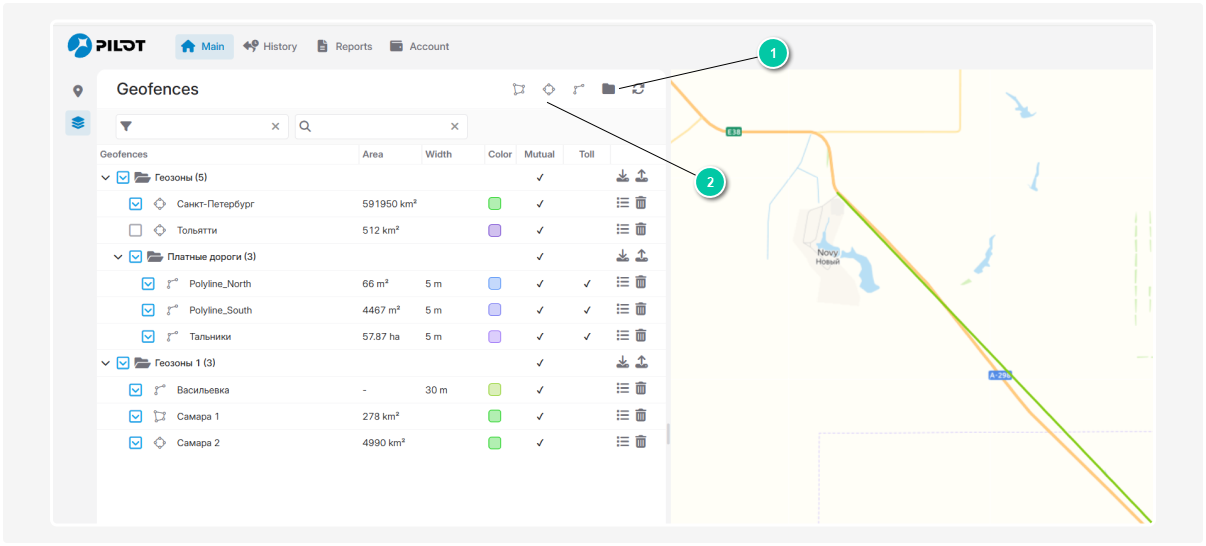
1 — Create a group of geofences
2 — Types of geozones
2. Create a group of geofences
For better organization, you can group geofences by region or type:
1) Click the group icon to create a new geofence group 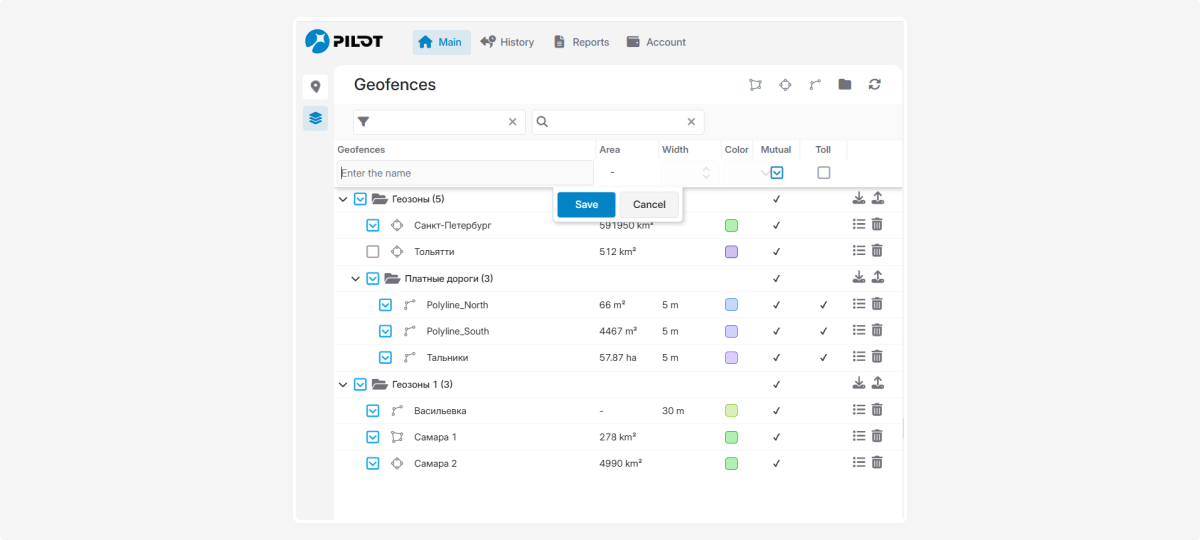
2) Enter a group name and click Save
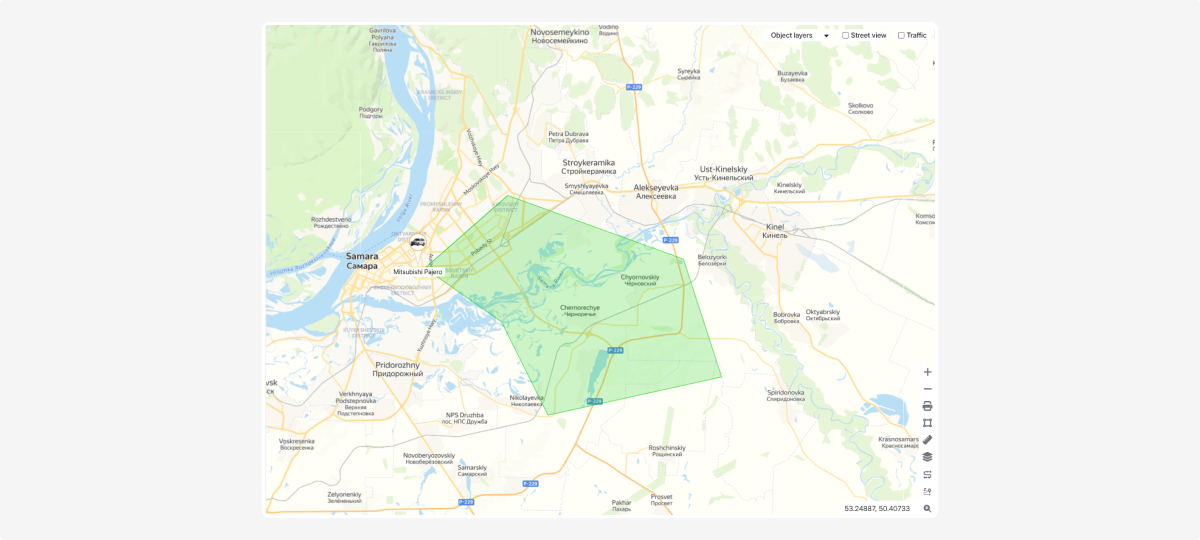
3. Choose the type of geofence and add it:
 Polygon — mark the corners of the area on the map to create a polygon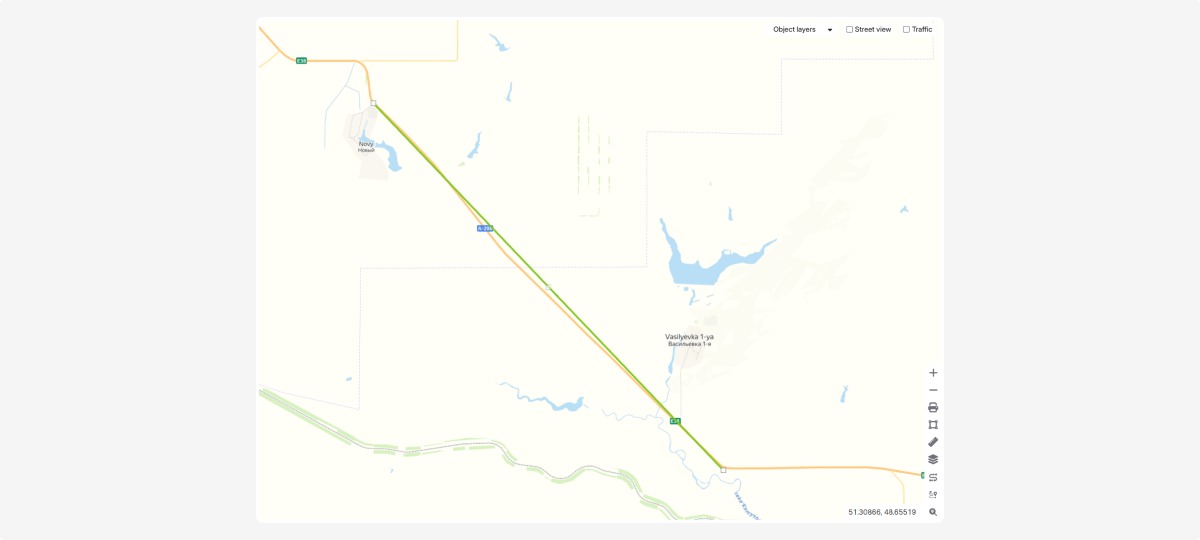
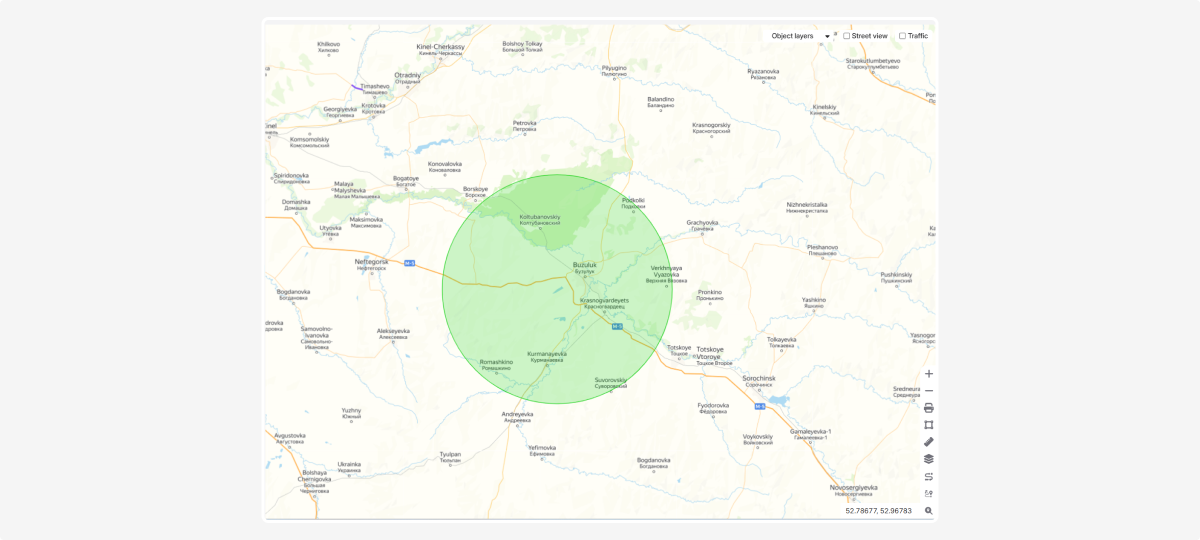
 Circle — click and hold the left mouse button, then drag to set the radius. You can adjust the radius by dragging the markers on the circle, or move the entire zone by dragging its center
 Line — mark two or more points on the map to create a segment or route
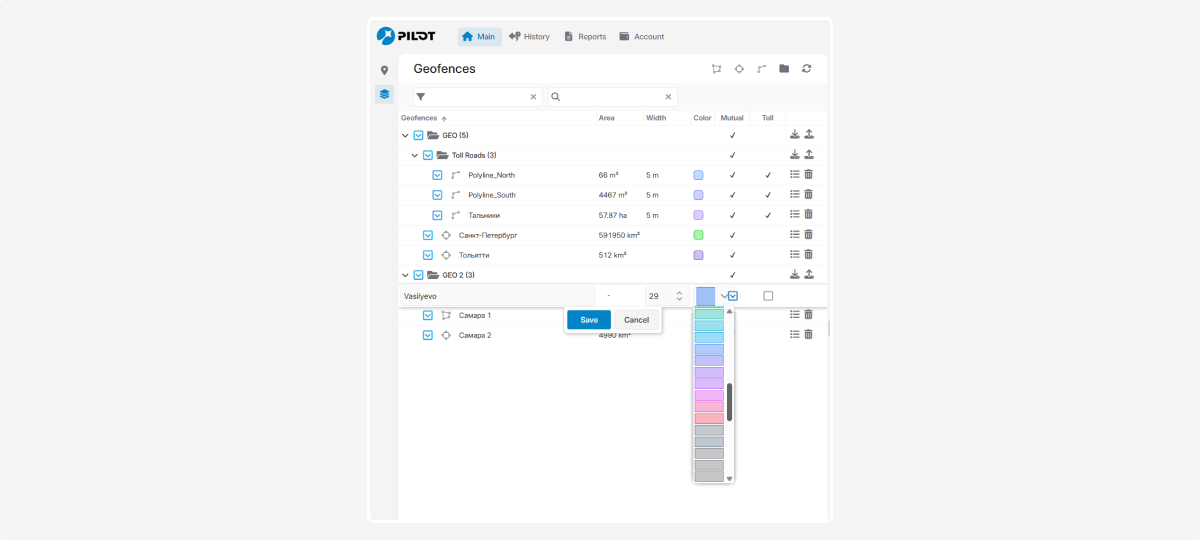
4. Enter a name for the geofence and choose a color for easy identification

5. Click Save — your geofence will appear in the list