How to install and log into the PILOT. Driver
How to install the PILOT. Driver app
1. Open the Google Play app (for Android) or App Store (for iOS) on your smartphone
2. In the search bar, type PILOT Driver or use the links below to go directly to the app store:
3. Tap Install and wait for the download and installation to complete
4. Once the installation is finished, tap Open, or find the PILOT. Driver icon on your phone’s home screen and launch the app
How to log into the app
After launching the app, on the login screen:
1. Enter your login
If needed, leave the Remember me option enabled so the app can remember your credentials.
2. Enter your password
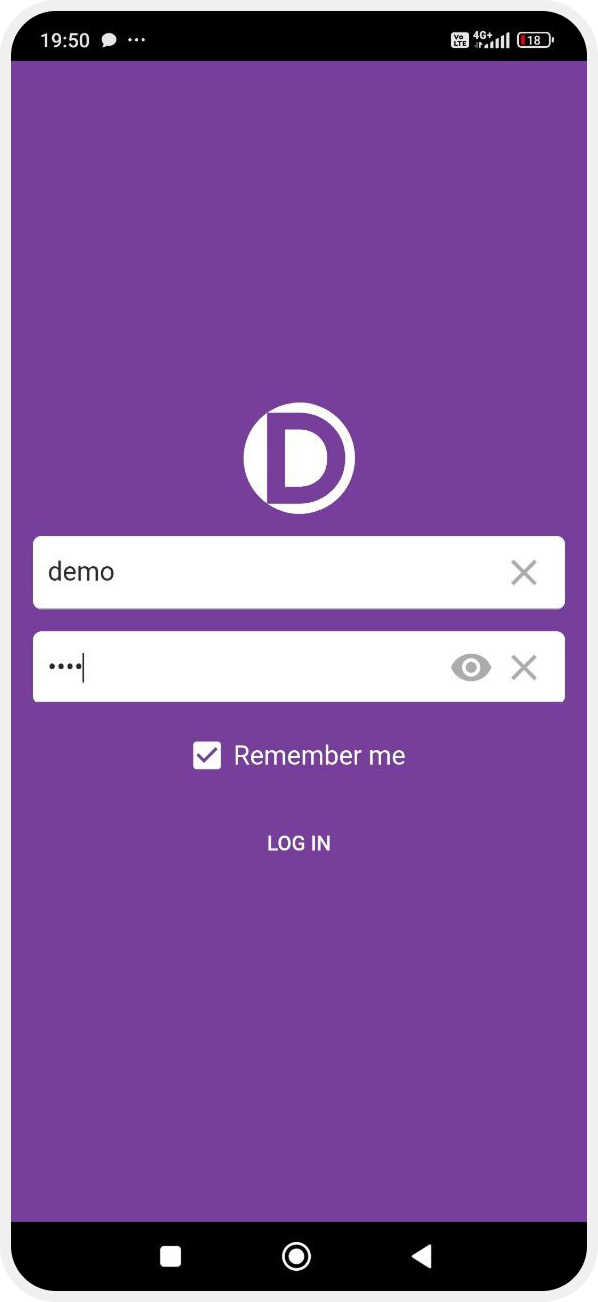
3. Tap Next
Once logged in, you will be taken to the main screen, where your new tasks are displayed.
