How to create your own Telegram bot
To create your own Telegram bot, you will need the official @BotFather service — the main Telegram bot used to create and manage all other bots.
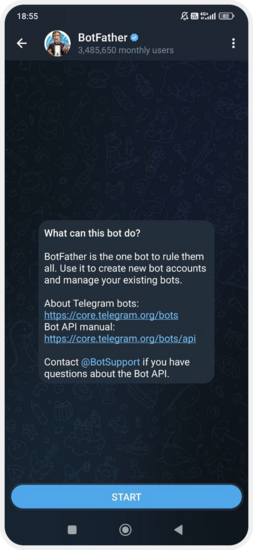
1. Open the link: https://t.me/BotFather
2. Press Start
3. Enter the command: /newbot
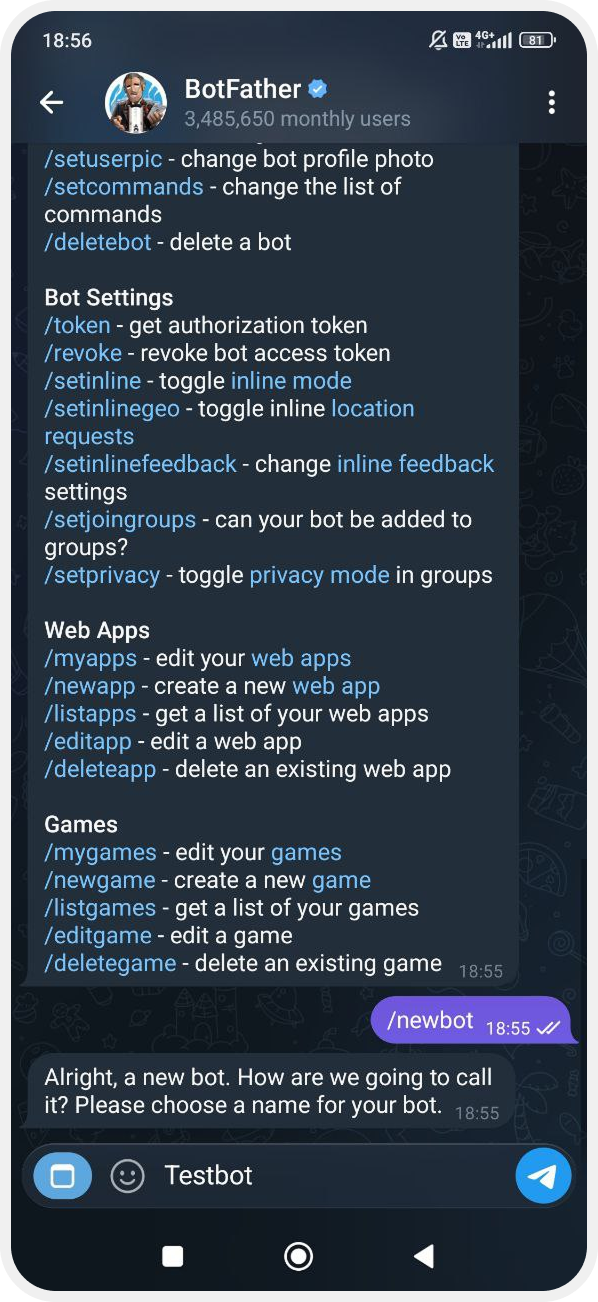
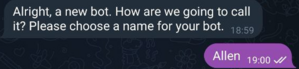
4. Create a name for your bot
BotFather will ask you to provide a display name — this is the name people will see in Telegram.
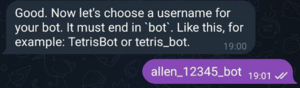
5. Create a username for the bot — its unique Telegram address
Important: the username must end with _bot.
Examples: mycompany_bot, skyelectronics_helper_bot
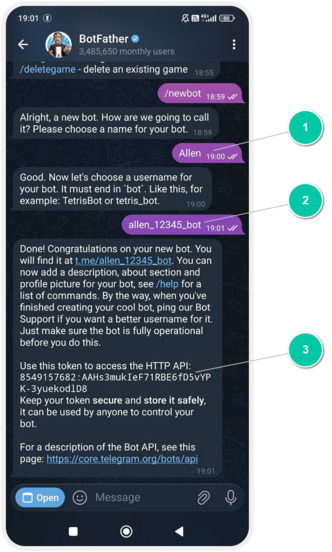
6. Get the token
After BotFather creates your bot, it will send you a message with the bot details. You will see:
-
Token to access the HTTP API — your bot’s token

-
Username — your bot’s Telegram username
7. Send the token and username to the PILOT technical support team
They are required to connect your bot to the PILOT system.
Your account in the system must be active, otherwise the bot will not be able to send or receive data.
|