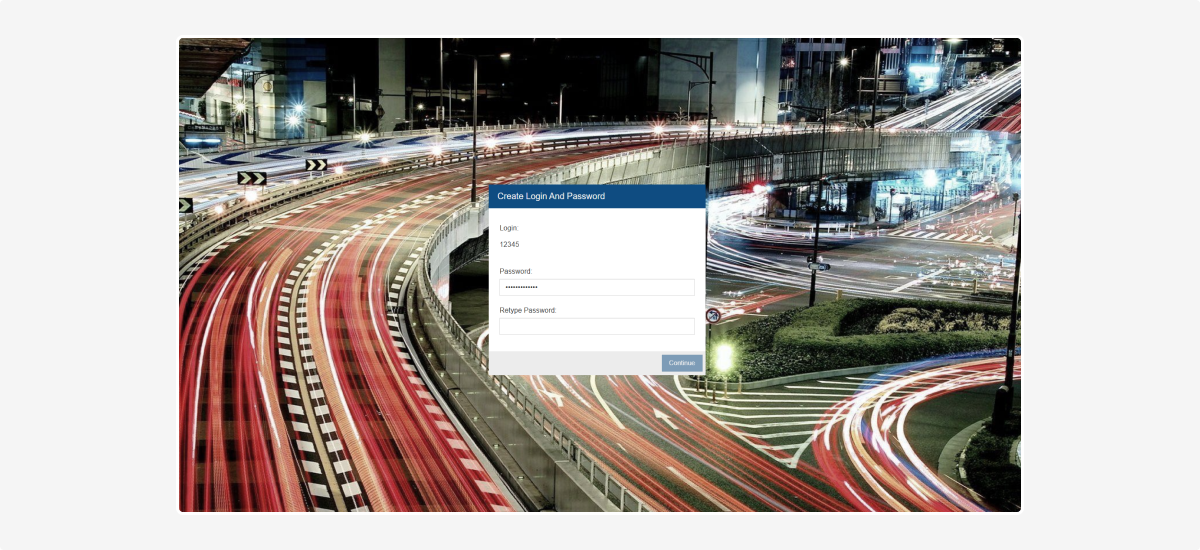
How to log in to LogBook
To log in to LogBook:
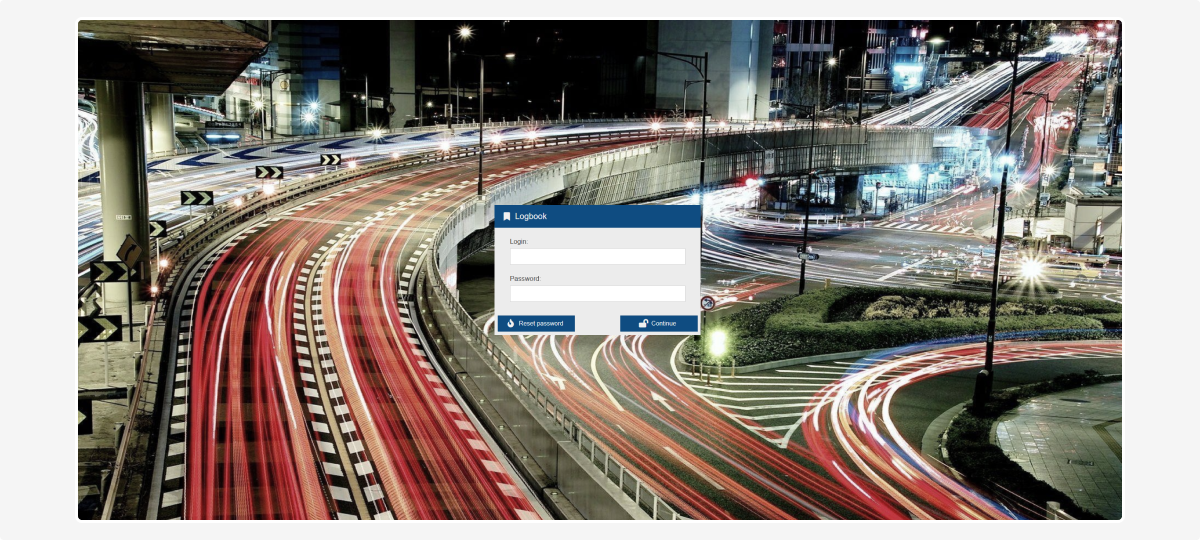
1. Go to the link: logbook.pilot-gps.com
2. Enter your login and password
3. Click Continue. After that, you will be logged into the system and can start using all its features
If you need to change your password
If you’ve forgotten your password or want to change it, follow these steps:
1. Click Reset password
2. Enter your email address and click Reset password again
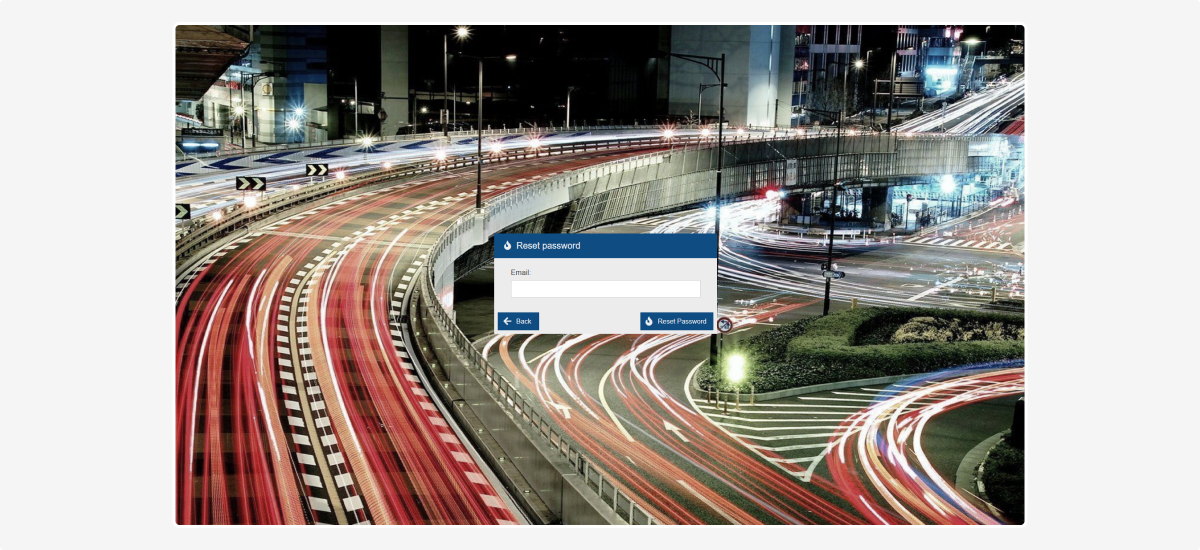
3. You will receive an email with a password reset link
4. Click the link, enter a new password, confirm it, and click Continue