What’s new in PILOT 7.9–7.9.1
In versions 7.9 and 7.9.1, we focused on improving usability, increasing configuration flexibility, and expanding analytics capabilities. In this section, we’ve gathered and described all key updates and improvements introduced in both releases.
New tools for driver monitoring, access management, and notifications have been added. Reporting and integration capabilities have been expanded, and existing system modules have been further improved.
Access management and security
The system now supports two-factor authentication (2FA) via email. When signing in, in addition to your login and password, you will need to enter a one-time code sent to your email address.
This method adds an extra layer of security to your account and helps protect your data from unauthorized access.
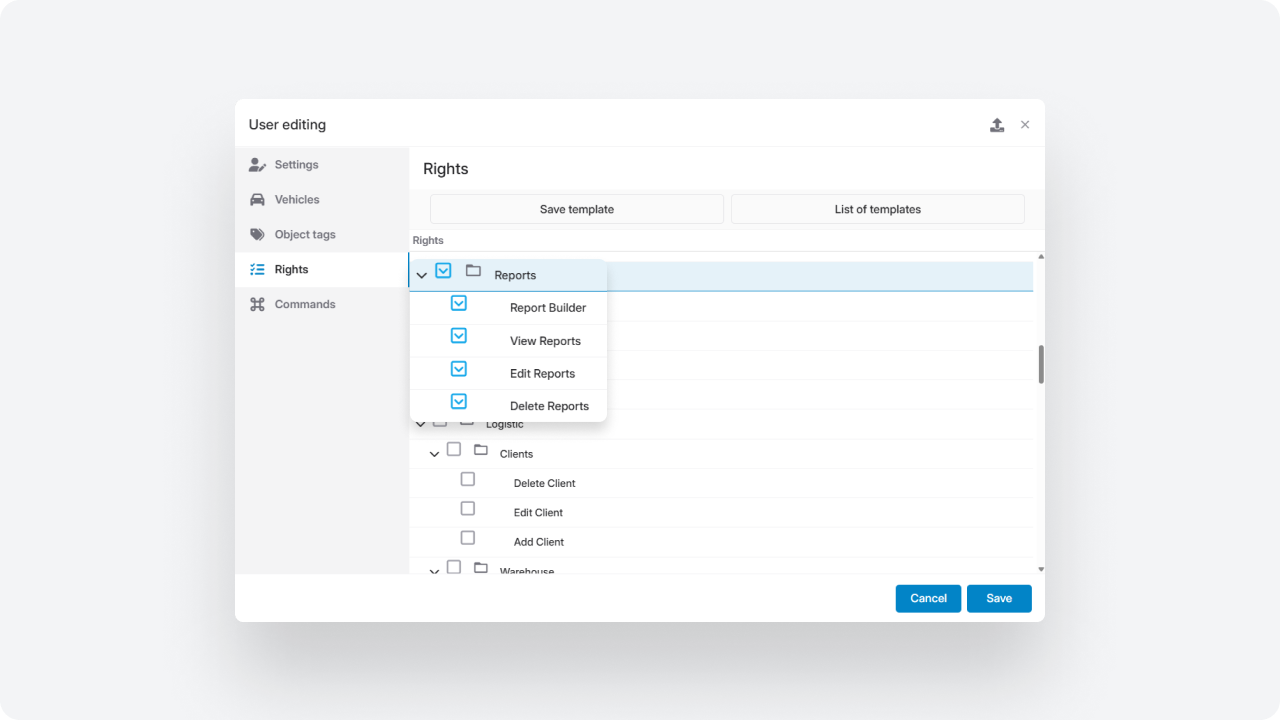
The system now supports two types of tokens — secure links that provide access without sharing login credentials. You can choose the access format depending on your task: view-only or full login.
View token
Allows opening the Monitoring interface without exposing credentials — for example, to share the map with a client or provide temporary viewing access.
Login token
Allows users to log in via a link without entering a password. The user is automatically authenticated with the same permissions as standard login.
The token validity period can be limited or set as unlimited.
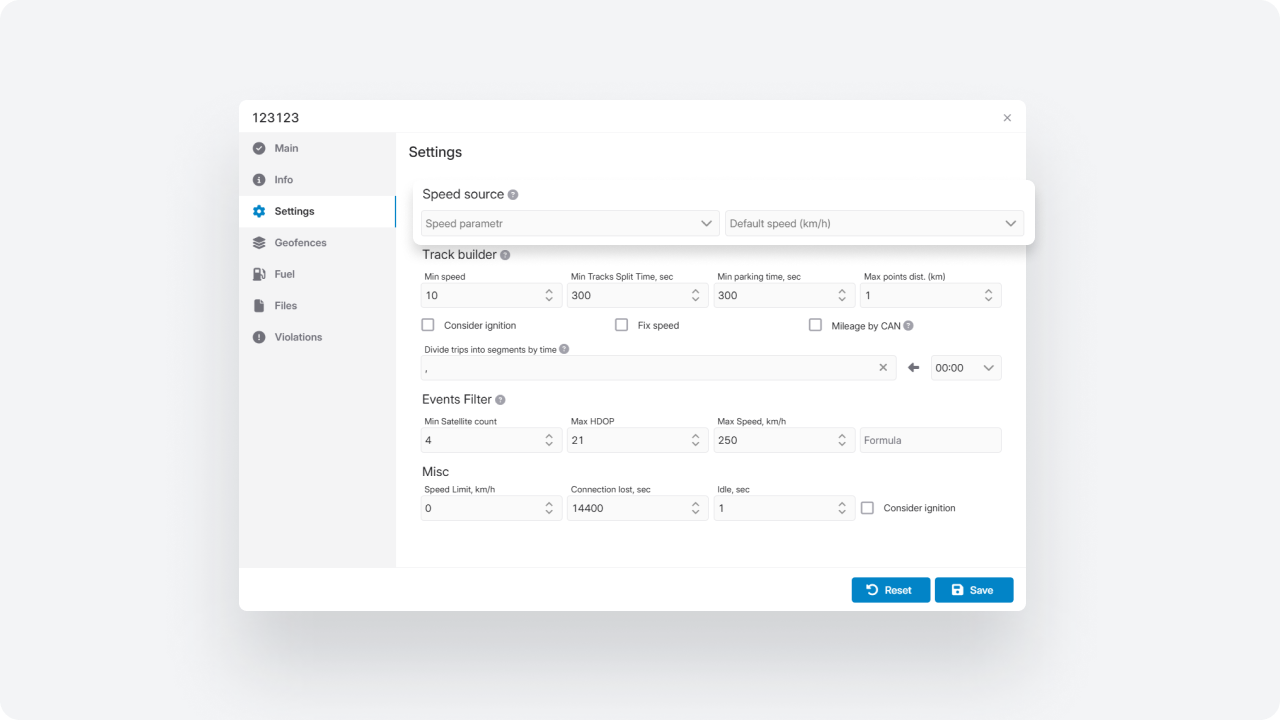
You can now control the visibility of system sections and modules for each user in the Interface tab.
Now you can:
— show or hide specific modules
— disable main menu tabs
— customize the workspace according to user roles
Even if a module is enabled at the account level, it can be hidden for selected employees.
Integration enhancements
Users can now quickly access the Telegram bot from their personal account.
To configure:
— specify the bot configuration in the account settings
— add the bot address
After saving, a dedicated tab with a link to the bot appears in the user’s personal cabinet.
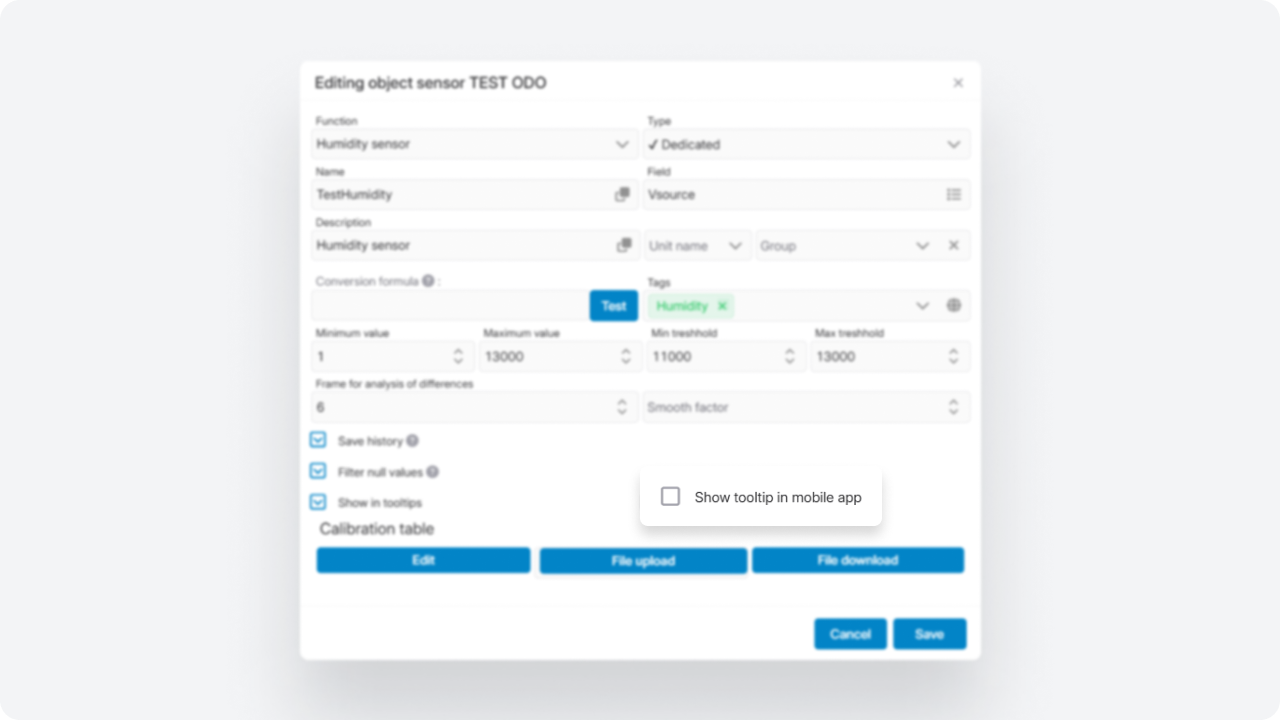
We integrated with the Links Field platform for SIM card management.
When working with the Links Field provider, you can now:
— assign ICCID numbers to each vehicle
— configure API access
— receive SIM card data directly in the system
— use the provider to send SMS notifications
A Windy.com weather layer has been added to the map. Weather conditions are displayed directly in the system — over routes and monitored assets — helping with route planning and analysis.
In the map settings, you can:
— enable the weather layer
— select a forecast model (depending on your subscription tier)
— choose display types: wind, precipitation, cloud cover, and other parameters
A timeline panel with animation is available to review forecasts dynamically.
Weather data synchronizes with the map and automatically updates during pan and zoom operations.
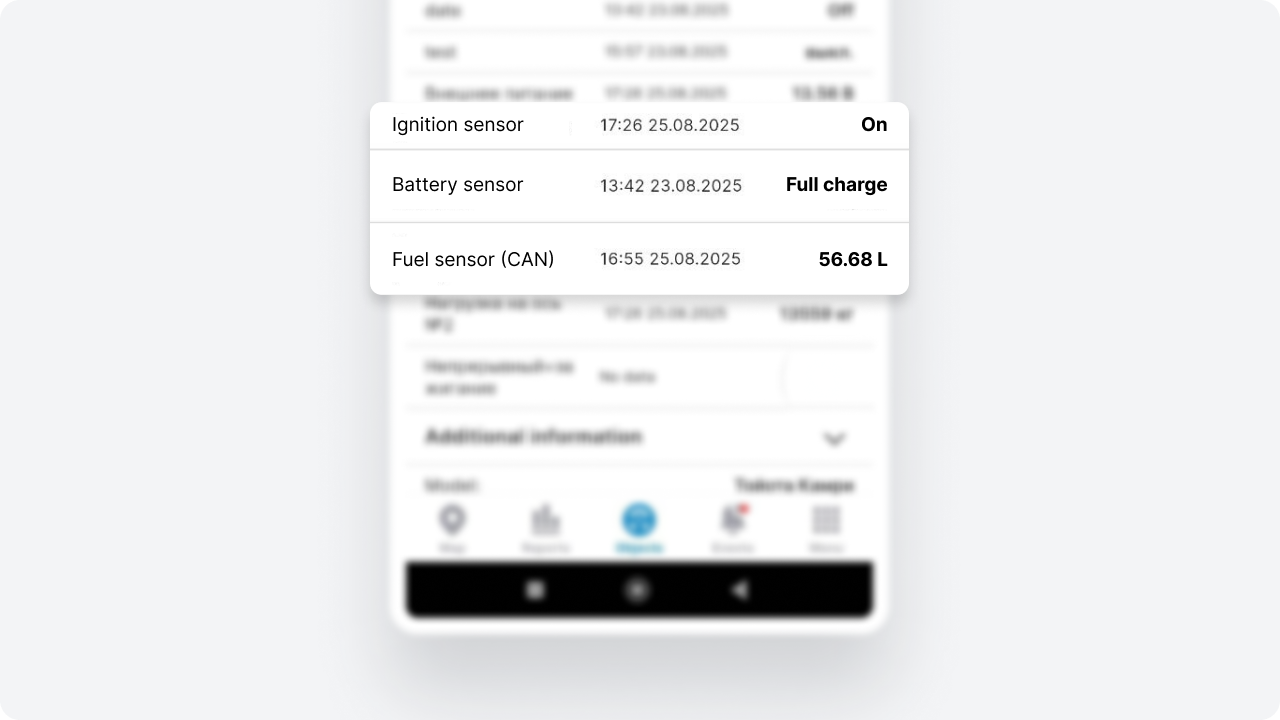
Integration of equipment with Wirepas support
The system now supports equipment using Wirepas technology for indoor navigation. This allows you to track the movement of objects inside buildings — where GPS signals are unavailable or unstable.
The technology uses a network of wireless devices that form a self-organizing mesh network and transmit location data inside the building.
This solution is suitable for monitoring vehicles, equipment, and personnel in warehouses, production facilities, and other indoor environments. It also helps control internal logistics and track movements within facilities.
Admin panel
We expanded account cloning capabilities and simplified the creation of new accounts based on existing ones.
When cloning in the Admin panel, you can choose which data to transfer:
— sensor templates
— custom object pricing
— payment email templates
— user assignments
— users with their permissions and interface settings
— reports from the Report builder
— geofences linked to the account
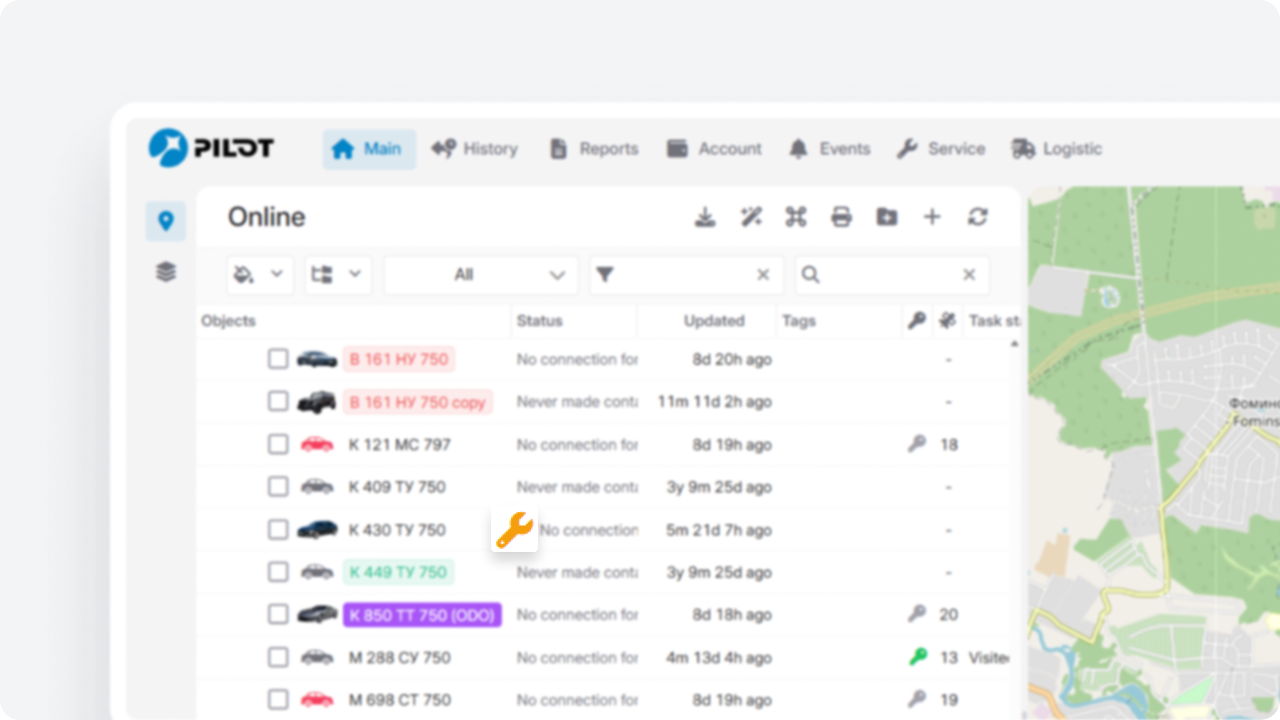
Added a new administrative report: Vehicle by sensor name.
This report allows you to review sensors across accounts, verify naming consistency, and organize installed equipment records.
It simplifies audits and improves data transparency.
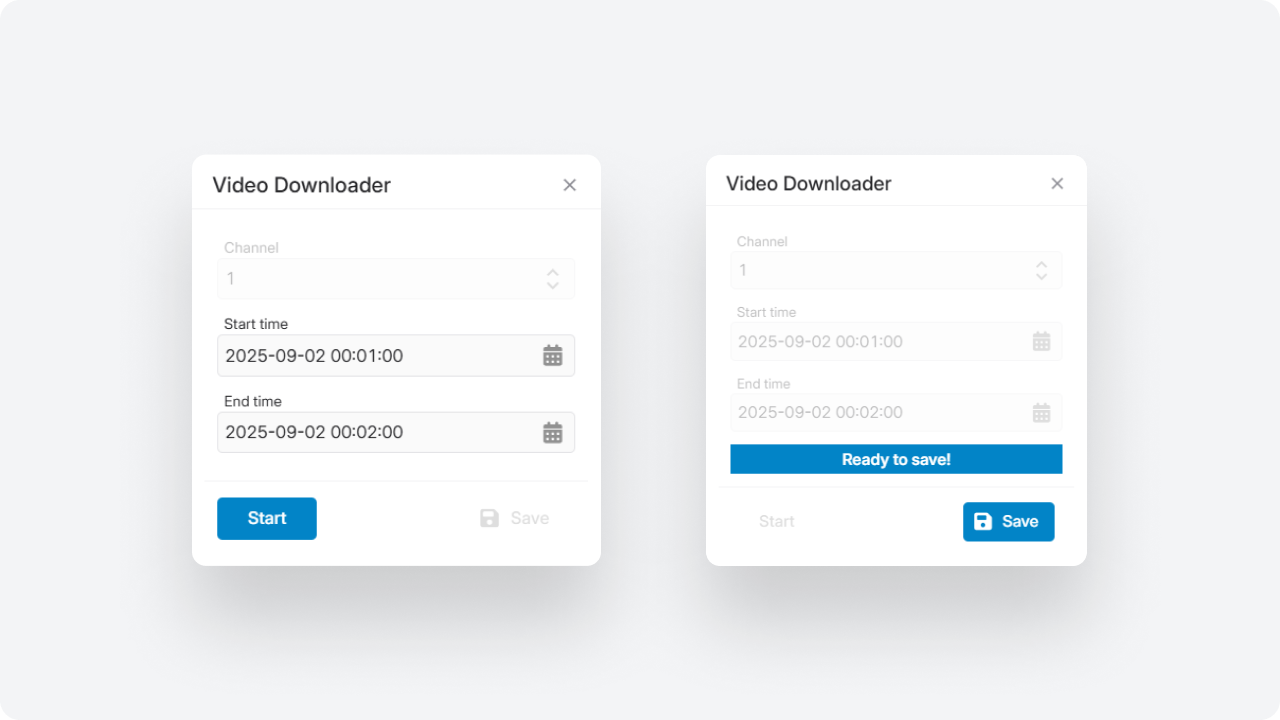
Module updates
The Composite objects module is now available in the new interface. It allows you to combine the following into a single logical structure:
-
stationary and mobile tanks
-
input flow meters (fuel intake)
-
output flow meters (fuel dispensing)
-
related sensors
Now you can:
— describe the complete fuel movement chain — from fuel intake to dispensing to the end consumer
— track storage, intake, and dispensing within a single structure
— analyze fuel inflow, outflow, balance, and possible losses across the entire system
Create and configure composite objects, use them in monitoring and reports, and analyze system performance in one unified view.
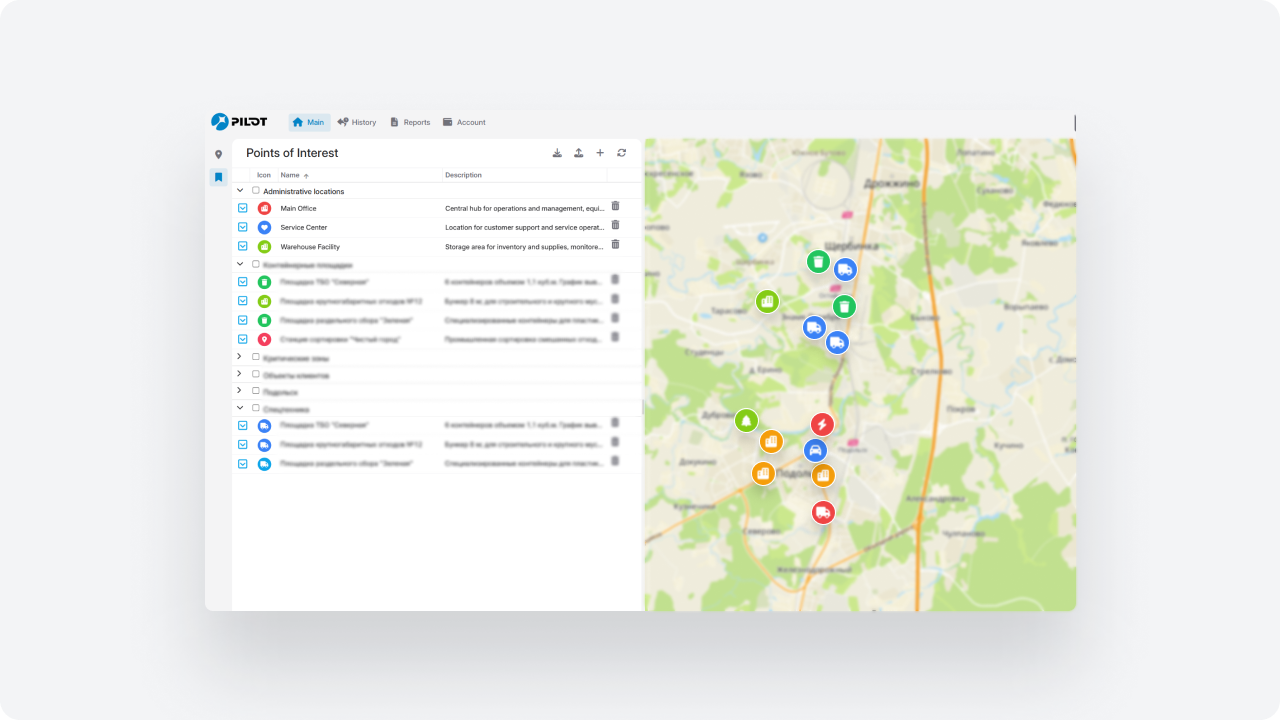
We expanded the Service module to make maintenance planning and control more transparent.
New fields in tables:
— current engine hours
— mileage until next service
— engine hours until next service
You can now attach files to service records — photos, service reports, documents, or manuals.
All files are stored with the record and are available for viewing and download.
Access control has also been added. You can configure who can add, edit, or delete service records, and define access to module sections.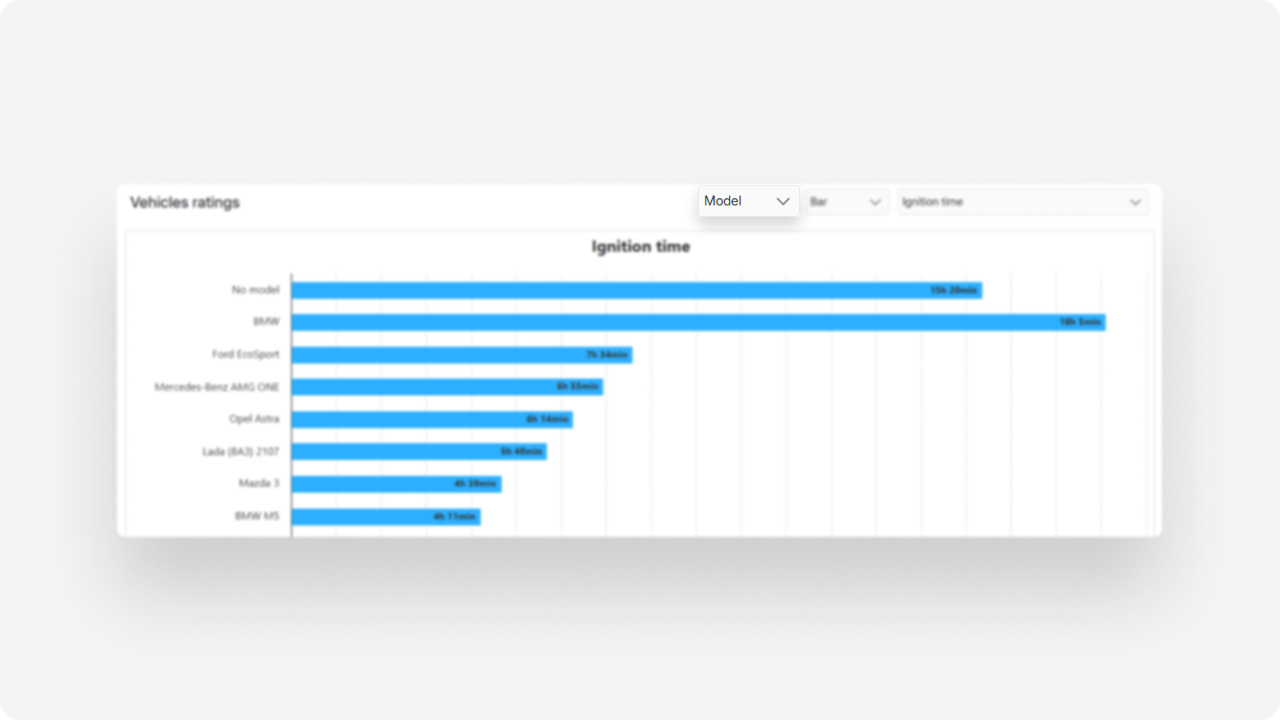
You can now add downtime directly from the object’s context menu in the Online tab — without switching to the Service module. Simply right-click the object and select Add downtime — the record will be created automatically.
We’ve updated the analytics overview graph in the object card to make it easier to evaluate the total cost of ownership and make informed decisions based on both planned and actual data.
In the Object analytics section, you will now see a unified Analytics overview graph showing yearly data, including:
-
planned and actual maintenance costs
-
planned and actual fuel costs
-
total cost of ownership
-
changes in the object’s value over time
-
cost per kilometer
In the Control room module, we added a new setting: Event processing interval. It defines how long an event remains active and available for processing.
Previously, unprocessed events were automatically deleted after 24 hours. Now the interval can be extended to 72 or 120 hours, allowing more time for review.
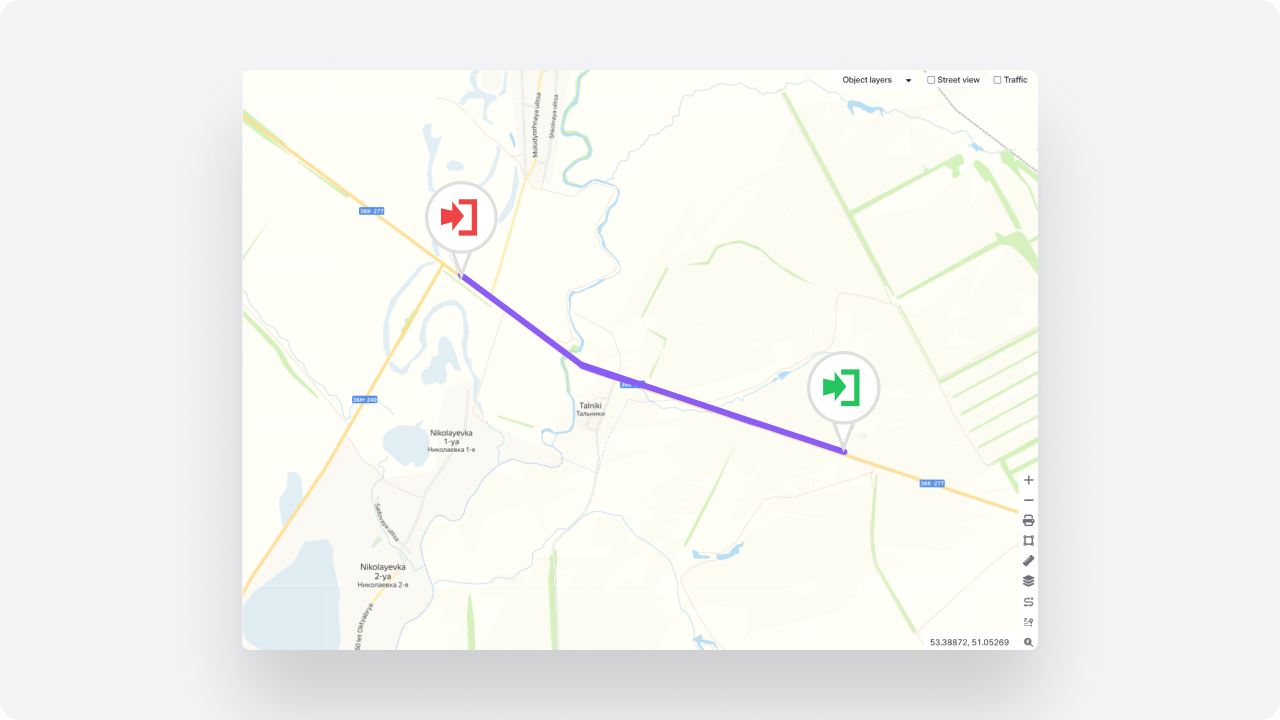
You can now assign BLE tags to route points and validate trip completion based on their signal.
If the vehicle detects a BLE tag, the point is considered visited — even if GPS accuracy is low or the signal is jammed.
As a result:
— routes are correctly validated even during satellite signal issues
— point visits are confirmed by physical vehicle presence
— arrival and departure are automatically recorded
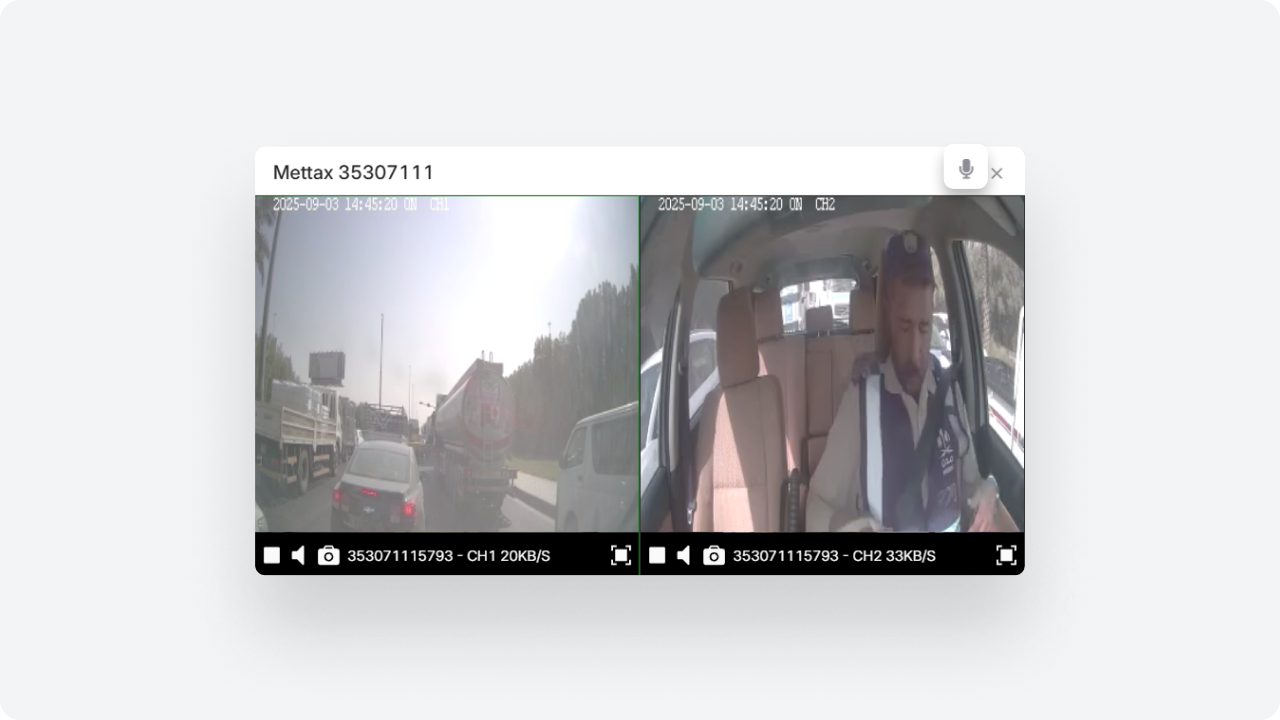
The system now uses an improved algorithm for processing fuel sensor data. It allows more accurate detection of refueling and draining events, reduces the impact of sensor noise, and helps eliminate false events.
The algorithm analyzes fuel level changes while considering several factors: volume thresholds, vehicle speed, fuel level change rate, and sensor data quality. This helps the system distinguish real fuel operations from normal fuel consumption or random fluctuations in sensor readings.
Additional analysis parameters are now available in the fuel sensor settings, including: event volume thresholds, speed filter, speed evaluation mode, fuel level change rate filter, sensor data smoothing, and a mechanism for removing symmetric events.
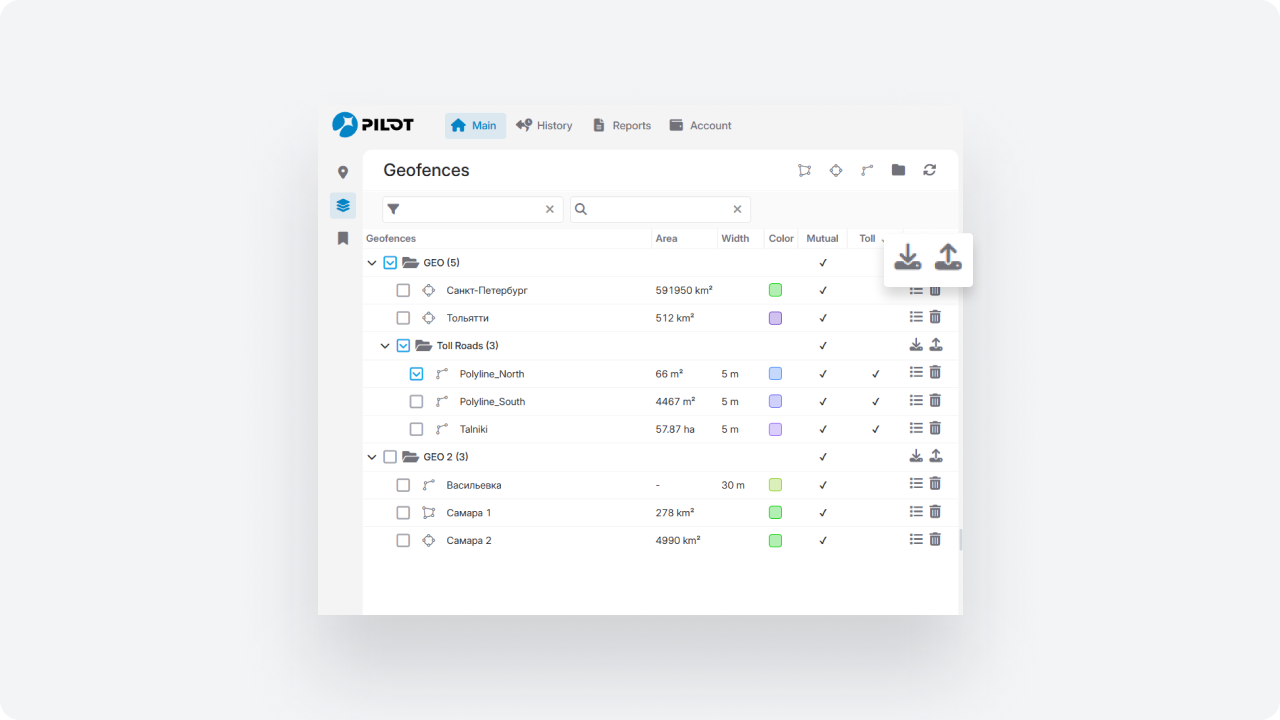
We expanded the Report builder to enable deeper fleet analysis and provide more actionable data in a familiar format.
Service downtime tracking
A new column has been added: Service downtime.
You can now:
— see downtime per vehicle
— calculate total downtime for a selected period
— analyze maintenance downtime trends
This helps evaluate the operational impact of maintenance and make data-driven decisions.
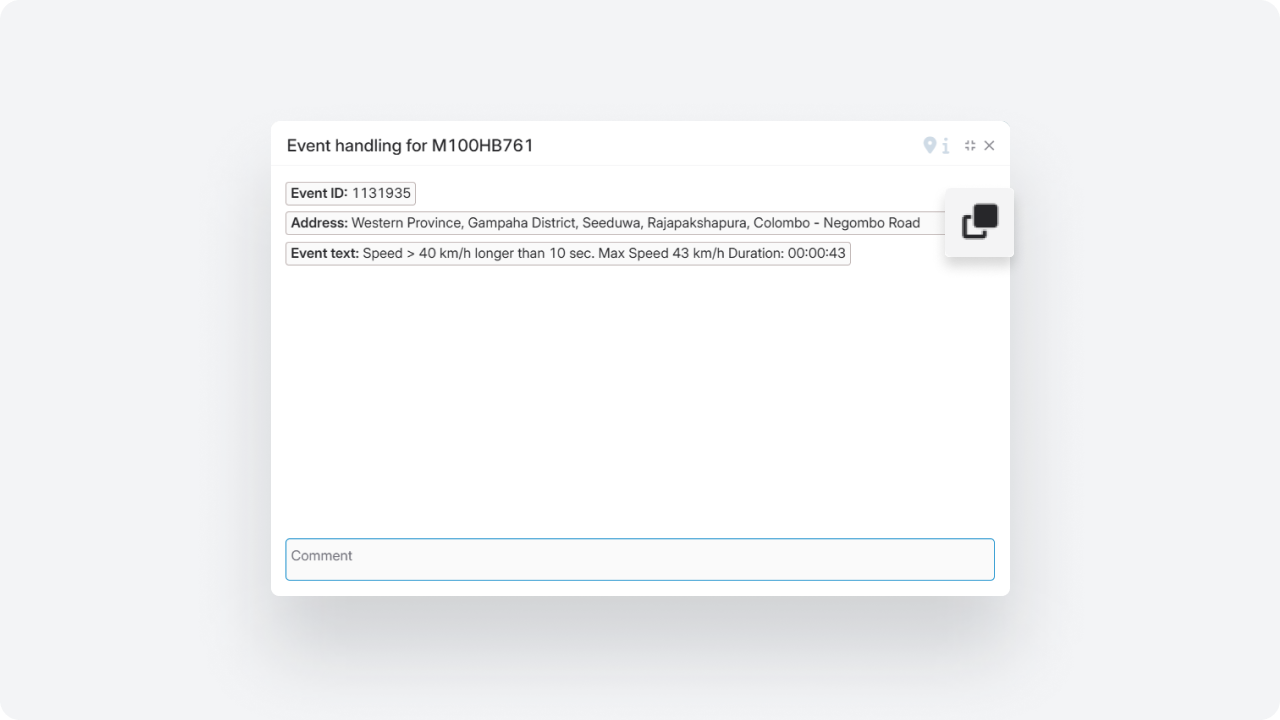
Eco summary by event type
For the Eco report type, summary analysis by event type is now available.
New fields:
— Eco event type
— number of events
— average speed
— maximum speed
You can now generate structured active safety summaries and analyze driving behavior more systematically.
Speed at the moment of violation
A new parameter has been added to reports: Speed at violation moment.
You can now see the actual vehicle speed at the time the violation was triggered.
Detailed fuel report
Added a new report type: Fuel refills and drains.
Each operation appears as a separate row with:
— time
— volume
— location
— fuel level
You get a complete operation log and full transparency of fuel activity.
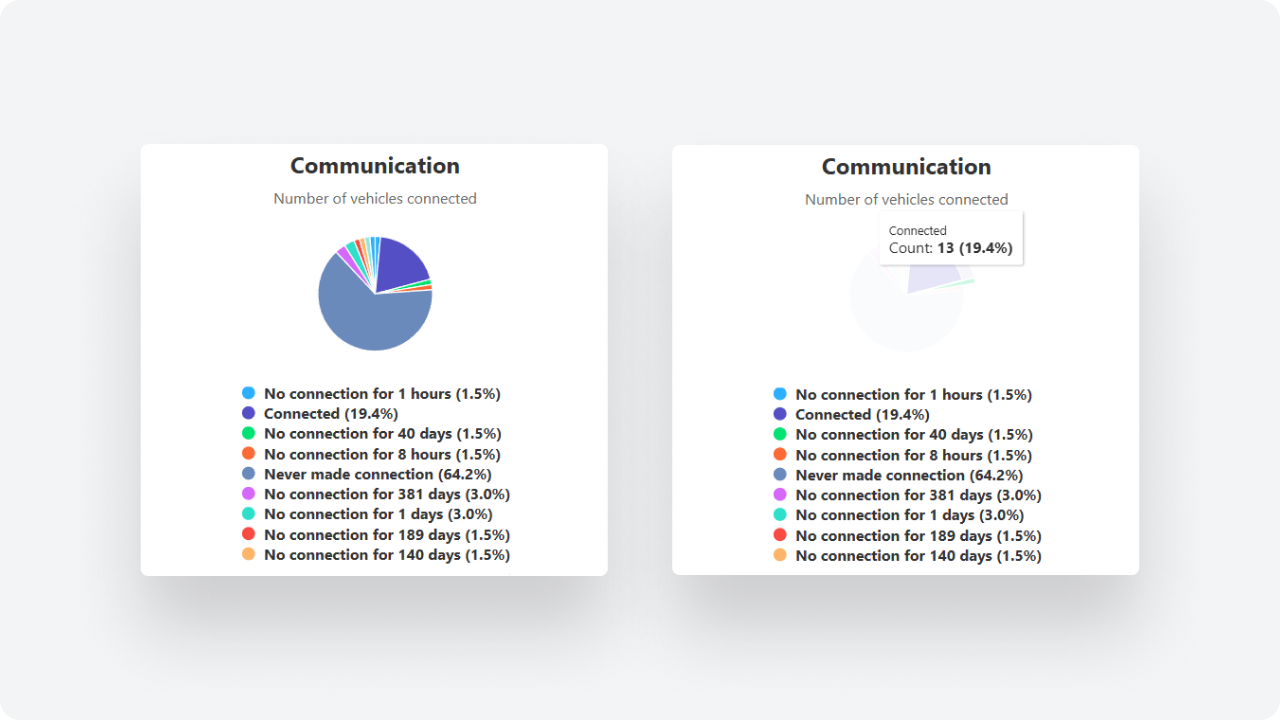
Connection loss
A new report type Connection Loss has been added. It helps you understand when and under what conditions a device loses connection to the system.
The report shows the start and end time of the disconnection, its duration, the location where it occurred, the vehicle status at the moment the signal was lost, and the possible cause — for example, power loss or network issues.
With this report, you can go beyond simply recording disconnection events. It helps you analyze situations more effectively: distinguish brief signal interruptions from real issues, identify suspicious cases, and respond to them faster.
Driver performance control
Face ID for automatic driver assignment
The system now supports facial recognition via onboard cameras.
Drivers can be assigned automatically based on Face ID results.
Verification occurs:
— at ignition start
— periodically during the trip
The system identifies who is driving, even when multiple drivers use the same vehicle, logs recognition results, and includes the data in reports.
A new Work time tab has been added to the driver card.
You can now configure:
— working days of the week
— time intervals for weekdays
— separate intervals for Saturday and Sunday
If necessary, the system can restrict driver assignment outside the configured schedule.
A working time check for drivers has been added to the PILOT Task Manager (PTM) module when assigning tasks.
Now, when creating a task, the system can analyze the driver’s work schedule. If the selected time interval falls within rest time or outside working hours, the system will display a warning to the user.
To enable this check, activate the “Check working time” parameter — it is available for fields of type Datetime and Address.
This feature helps dispatchers and logistics managers consider drivers’ working schedules when planning tasks and reduces the risk of assigning tasks during non-working hours.
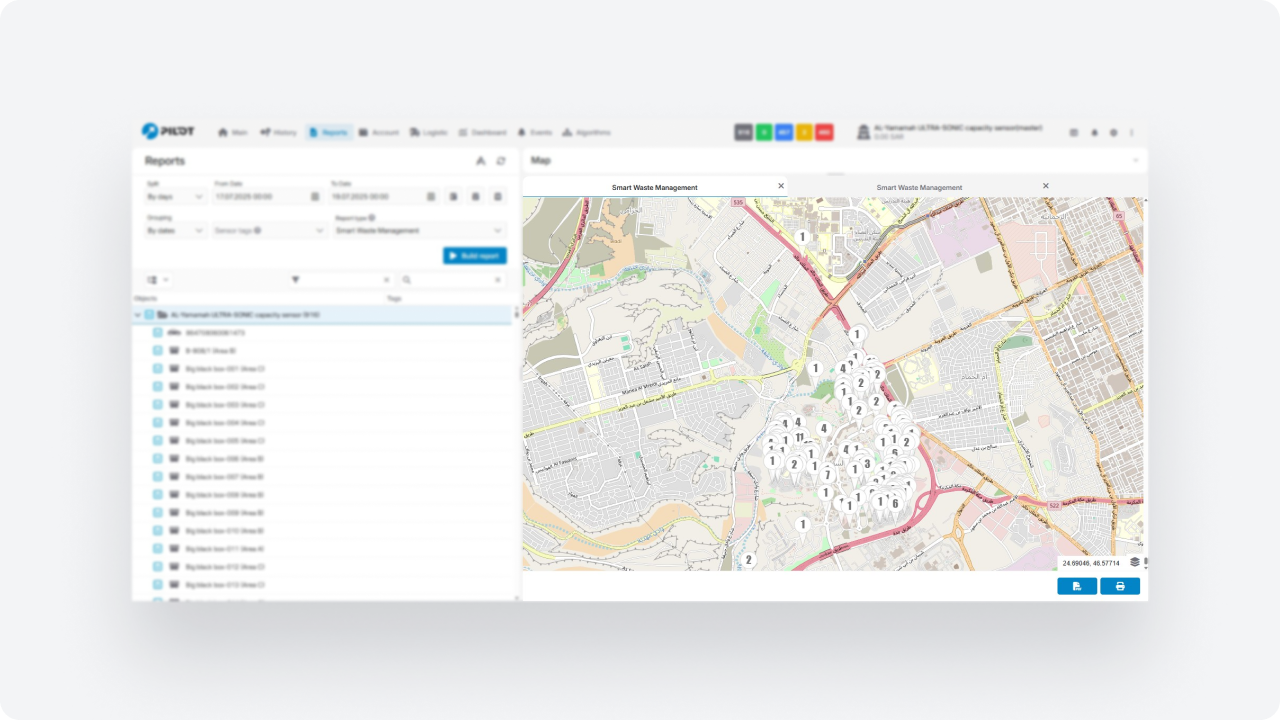
The Eco Driving scoring logic has been updated.
Now the score is calculated per driver, considering all vehicles they operated.
You can build rankings:
— by vehicles
— by drivers
Violations are attributed to the specific driver rather than the vehicle, ensuring more accurate evaluation of driving behavior and better management decisions.
Notifications
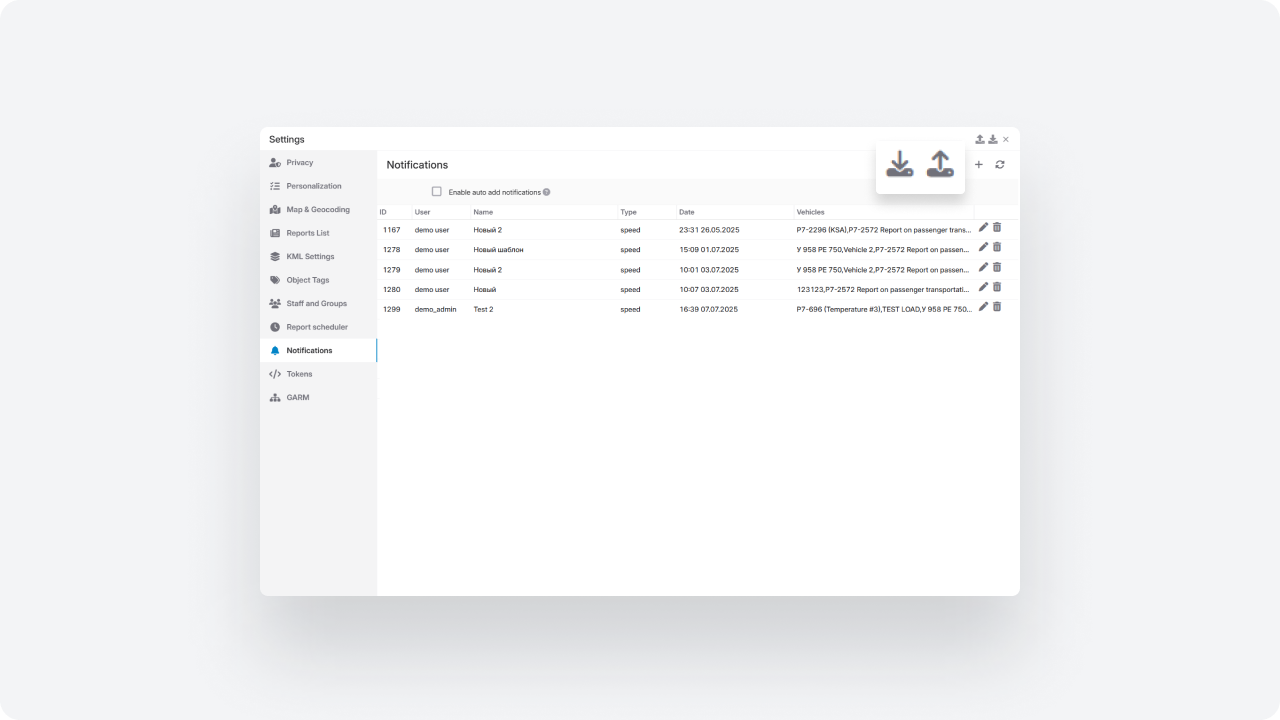
Two new fields have been added to the notification creation and editing form:
-
Command — manual text input
-
Command template — selection from saved templates
You can now either type a command manually or select a predefined template.
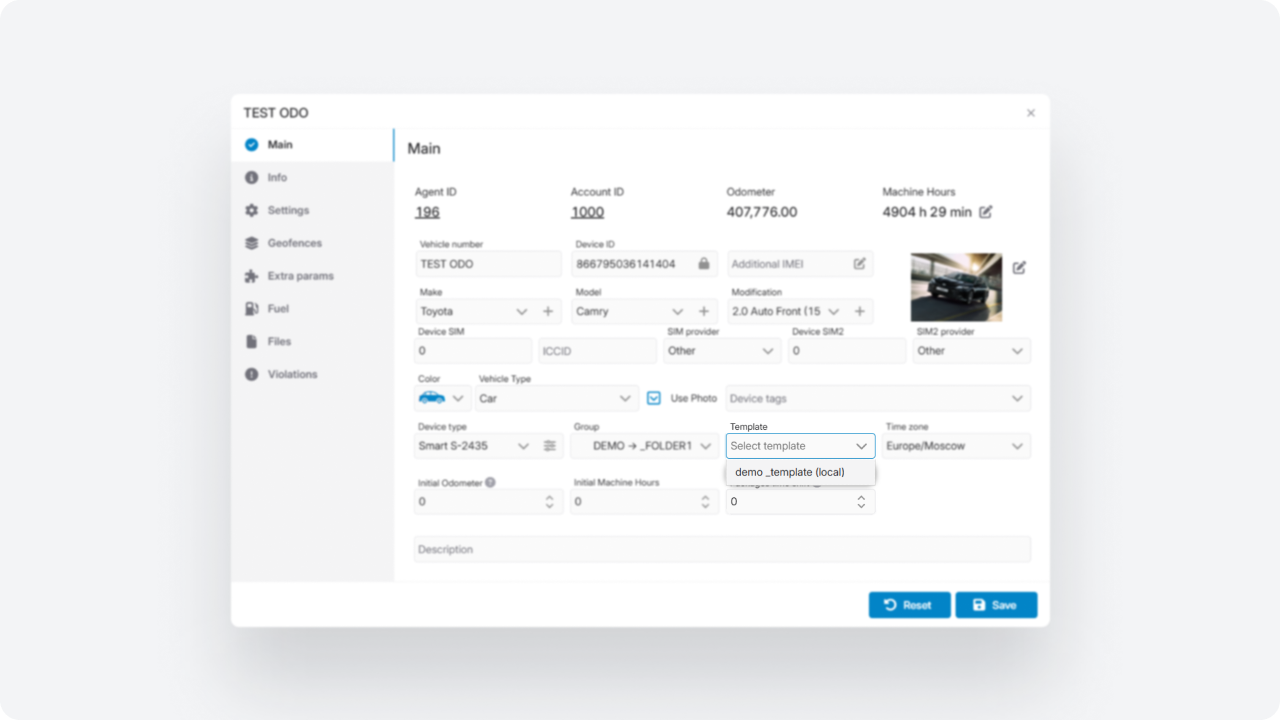
Webhook notifications now include additional information — Account ID.
Along with the event data, the system now sends the identifier of the account from which the notification was triggered.
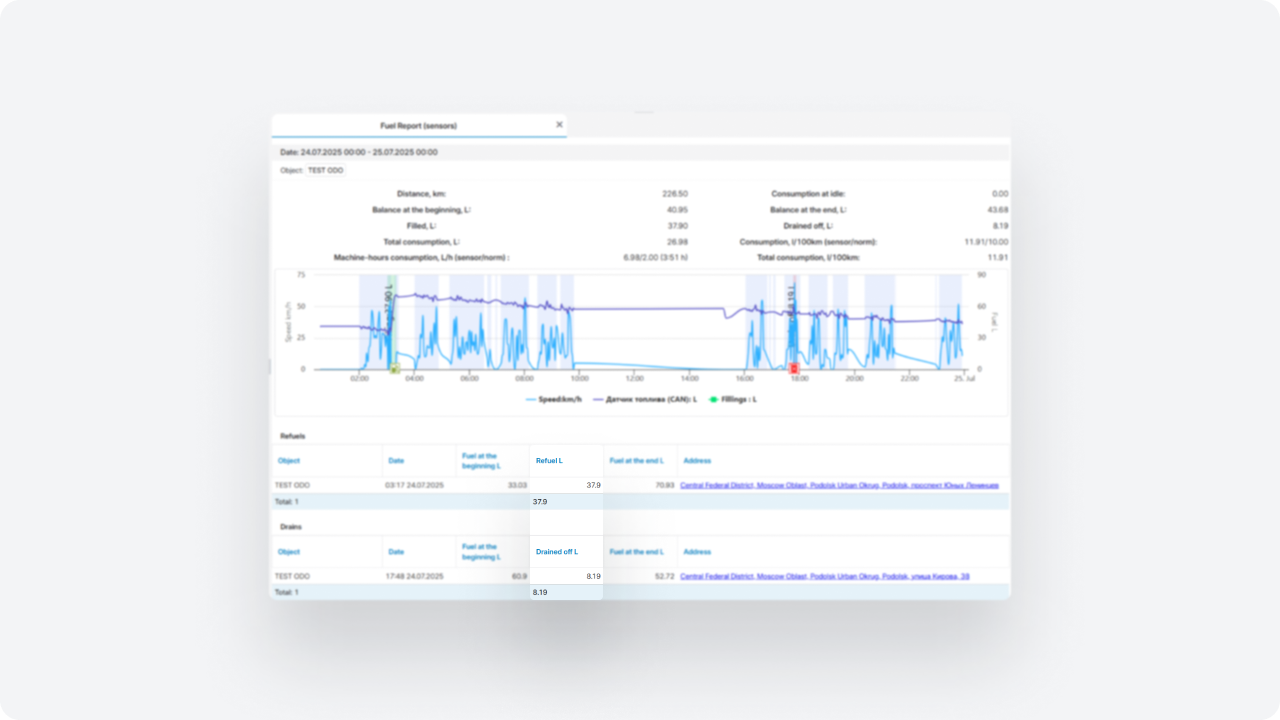
A new notification type has been added to the system. This notification is triggered when a device successfully uploads a media file (such as a photo or video) related to an event to the server.
Unlike standard notifications, it is not triggered at the moment of the event, but only after the file has been successfully uploaded. This allows you to receive confirmation and immediately access media related to events, such as violations or ADAS/DMS alerts.
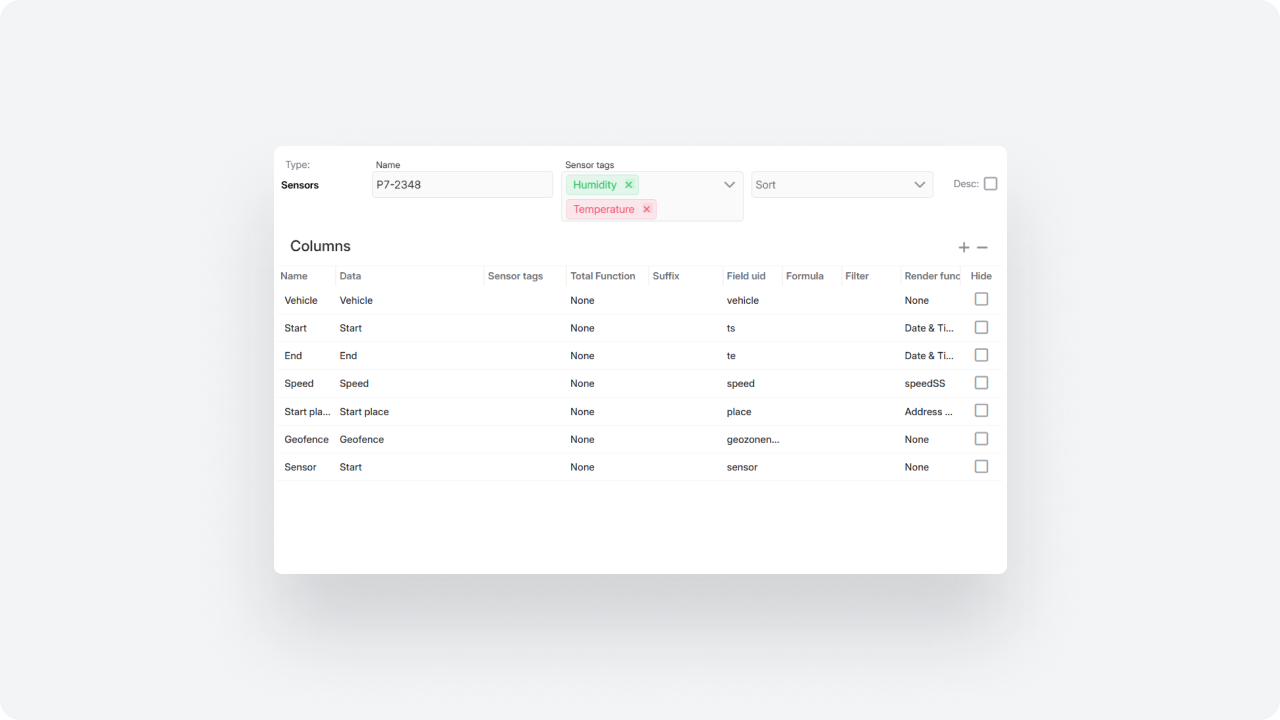
Toggle switches have been added to the asset card to manage notifications for individual vehicle limits.
For the following parameters, notifications can be enabled or disabled separately:
— Speed limit
— Connection lost
— Idle
For the Idle parameter, an ignition icon is available — it defines whether ignition status should be considered when calculating downtime.
Limits continue to be recorded in the system even if notifications are disabled, ensuring monitoring without excessive alerts.
A new API method has been added to retrieve a list of rental contracts from the Rent Car module.
It allows you to access all types of contracts:
-
active (open)
-
reserved
-
completed
Each contract includes information about the renter, pickup and drop-off locations, scheduled pickup and return dates, as well as contract and vehicle numbers.